Make sure your analysis are successfully delivered to your employees.
Whitelisting
If the automated email delivery is not reaching your employee's inbox, it's due to your email provider blocking requests from our mail server. Ensure that our mail servers are whitelisted.
1. Copy our mail server below.[email protected]
2. Learn how to white list emails belowHow to whitelist emails in Outlook 🡥
How to whitelist emails in Gmail 🡥
Alternative deployment
Use alternative deployment methods to ensure your employees are able to complete their commuting analysis.
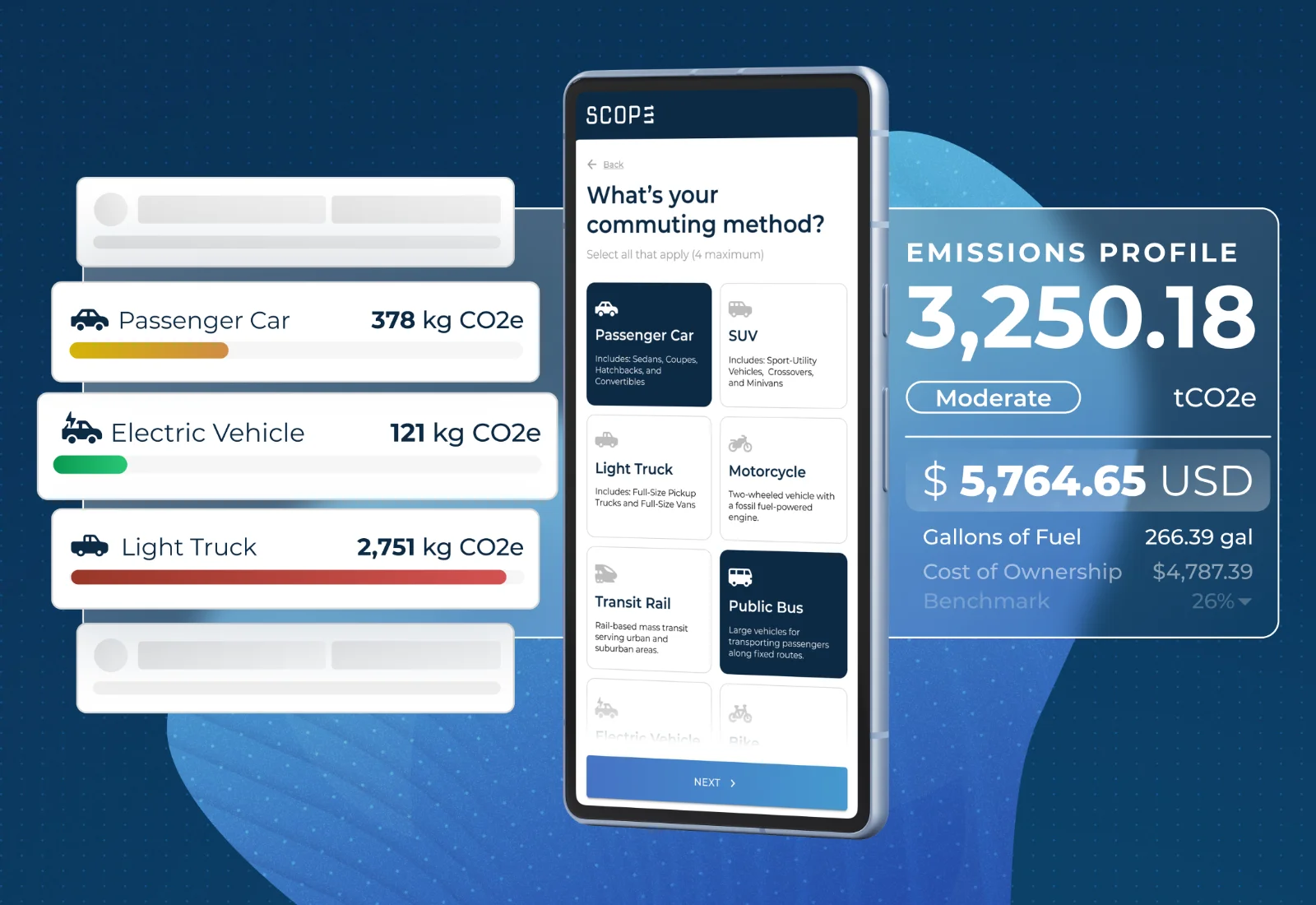
1. Select an email deployment method below:
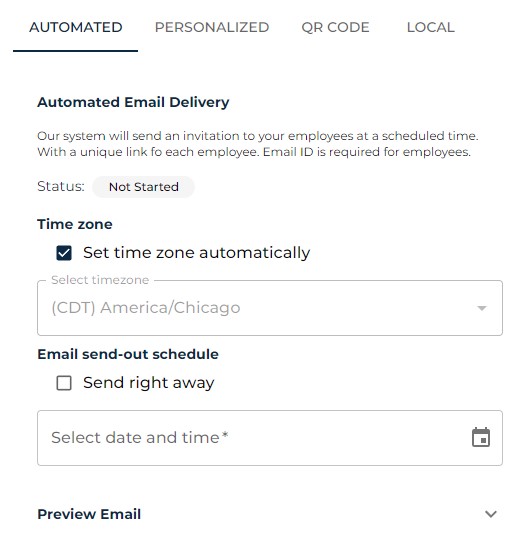
Automated Email DeliveryOur system will send an invitation to your employees at a scheduled time.
Recommended method if you would like to engage your employees at a later date.
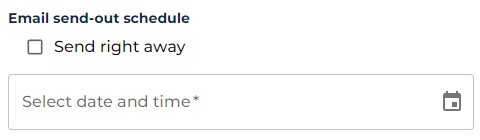
Schedule when the emails will be sentSet the date and time you would like to send out the emails to your employees. If you would like to deploy the analysis right away; hit the box next to "Send right away"
Manual Email Delivery
Send a mass email manually, don't worry we will autofill everything for you.
Recommended method if you would like to personalize the email going out to your employees.
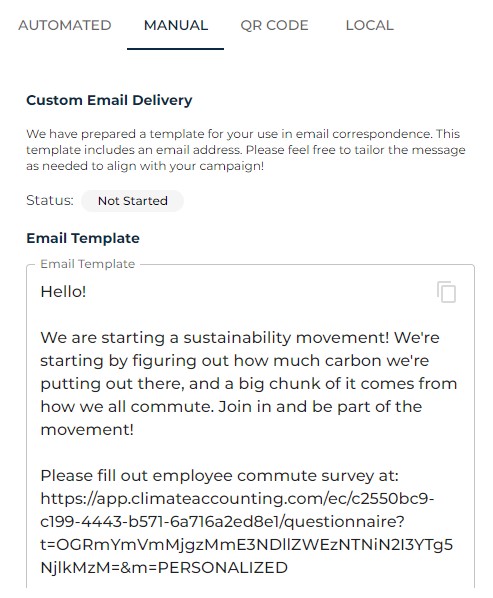
Review the templateThis method will open your local email application, from there you will be able to customize the email body and recipients.
QR Code
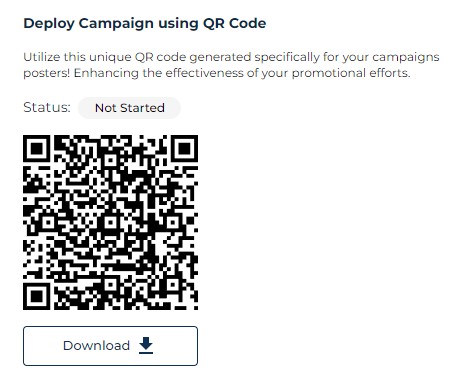
We provide you a QR Code for every campaign you create. The QR Code will lead your employees to complete their commute analysis. This is ideal for creating posters that would be up around your office.
Local Mode
This mode is ideal for setting up a tablet at your workplace's lunch room. Local mode allows your employees to complete their commuting analysis via a device they can trust.
Troubleshoot
Check if you already have an EC Emissions AccountIf you signed in to EC Emissions before, you already have an account. You can use the same username and password you created to sign in.
If you can't remember your credentials, enter your email address 🡥 to reset your password.
You can sign into an existing EC Emissions Account 🡥Check if your uploaded Employee List is configured correctlyMake sure your .csv file is formatted as "CSV (Comma delimited) (*.csv)"
Double check that the data fields are mapped correctly in the configuration stage.
For example: Email is mapped to the column in your spreadsheet which includes employee emails.
See example 🡥Make sure emails are deliveredIf the automated email delivery is not reaching your employee's inbox. It's due to your email provider blocking requests from our server. Try the manual email delivery method to ensure delivery to your employees. Or whitelist our mail servers.
Other deployment methods 🡥
Need more help?
Try these next steps:
Visit our Help Center
Detailed documentation on every page,
menu and calculation.
See all articles 🡥
Contact Us
Get in touch with one of our carbon experts to assist you with your sustainability journey. View All 🡥
Contact us 🡥Help Center Getting Started
 Methodology
 FAQ
Tell us what went wrong and we’ll get back to you.